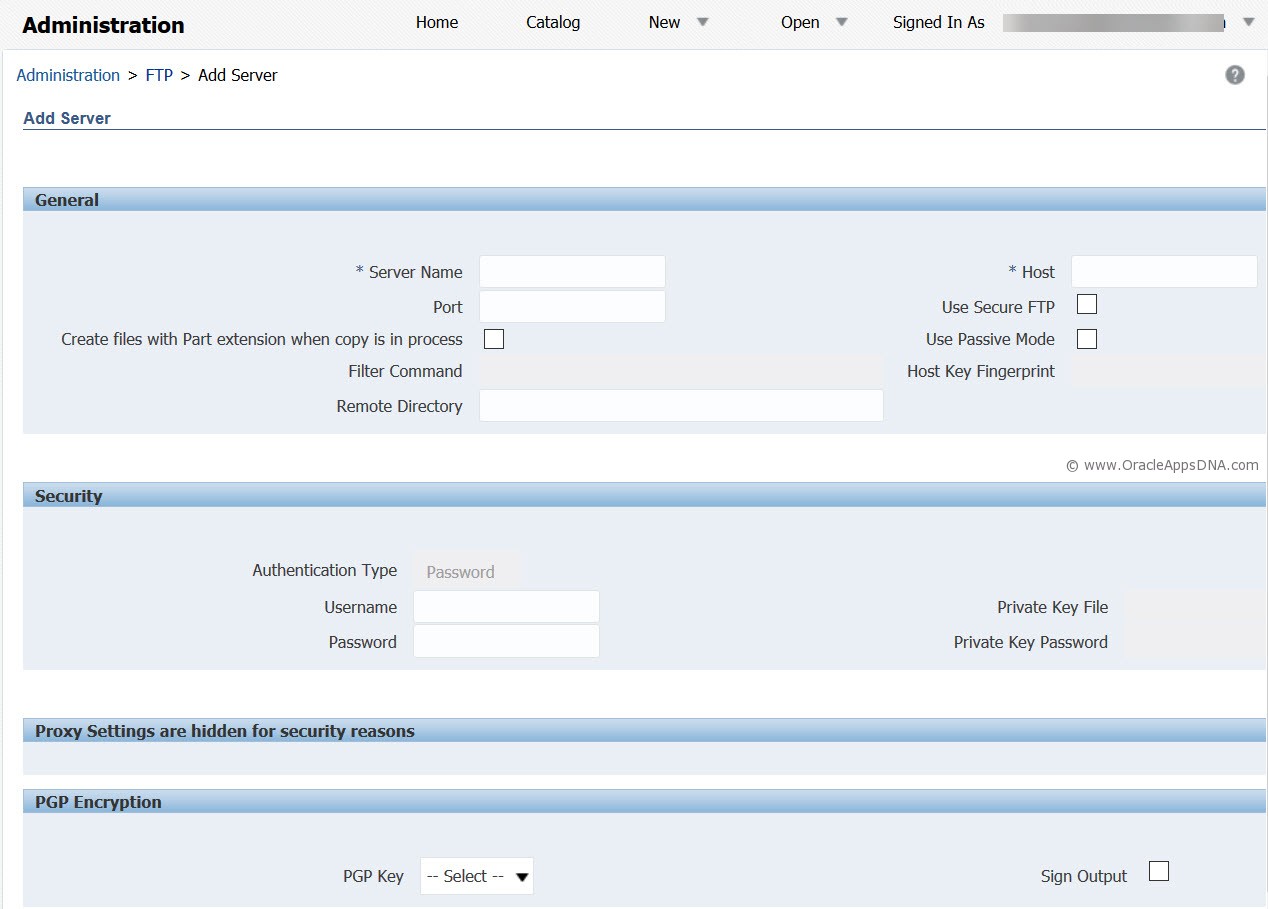
In this article I will tell you the steps to configure FTP in BIP reports. FTP configuration is used for bursting the report output to an external server using FTP protocol.
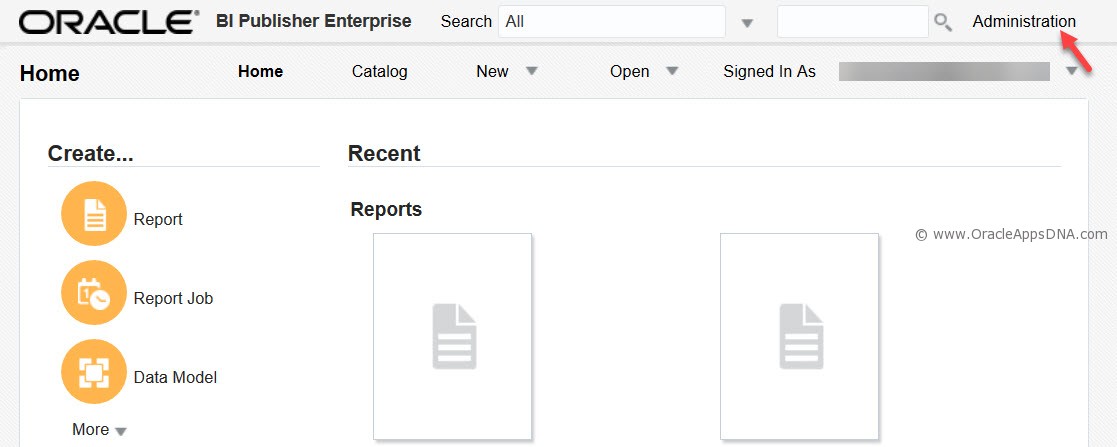
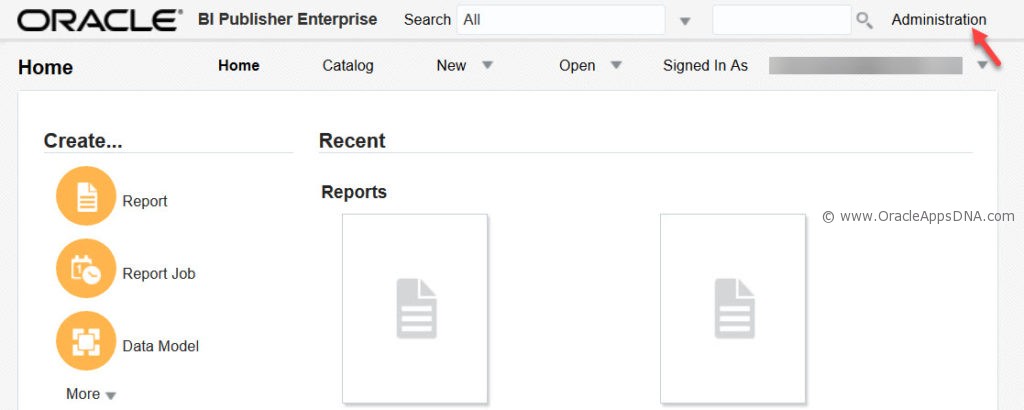
- Navigate to BIP from ‘Reports and Analytics’ and top right hand side you can see ‘Administration‘ option
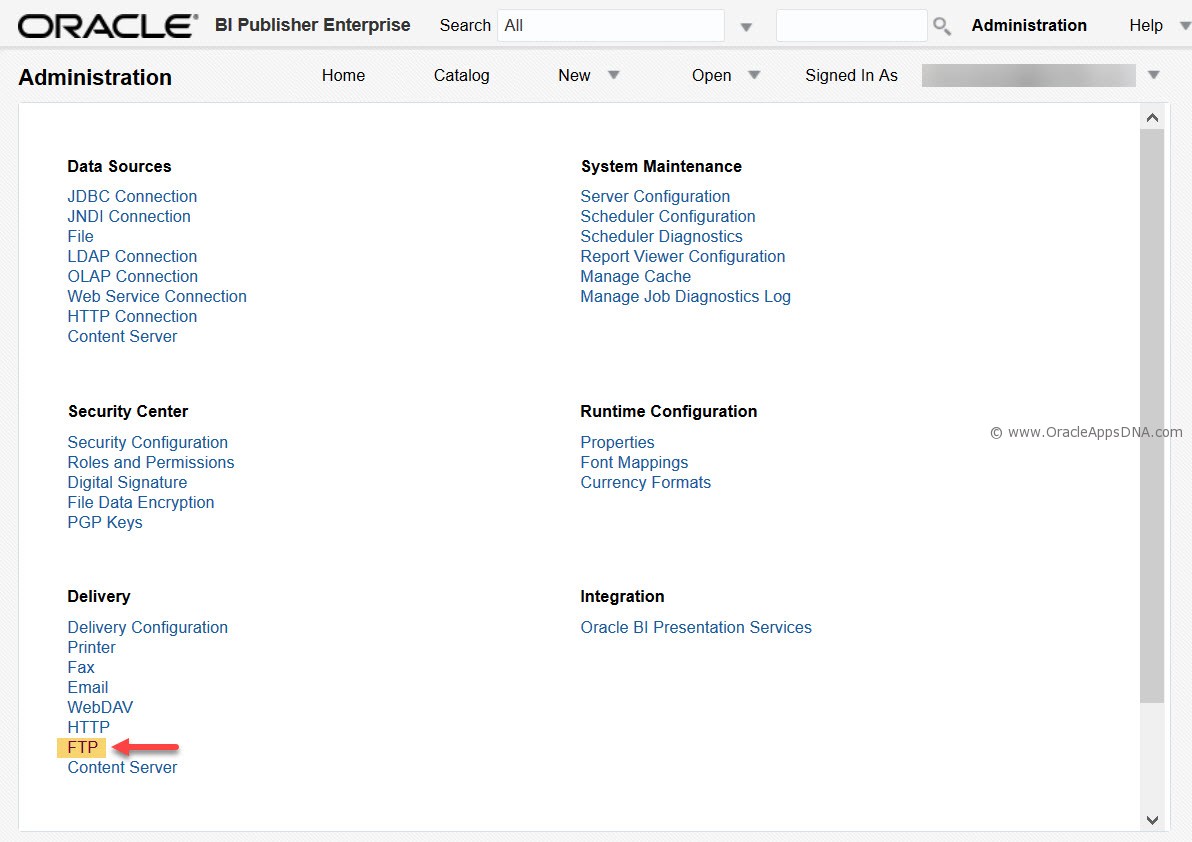
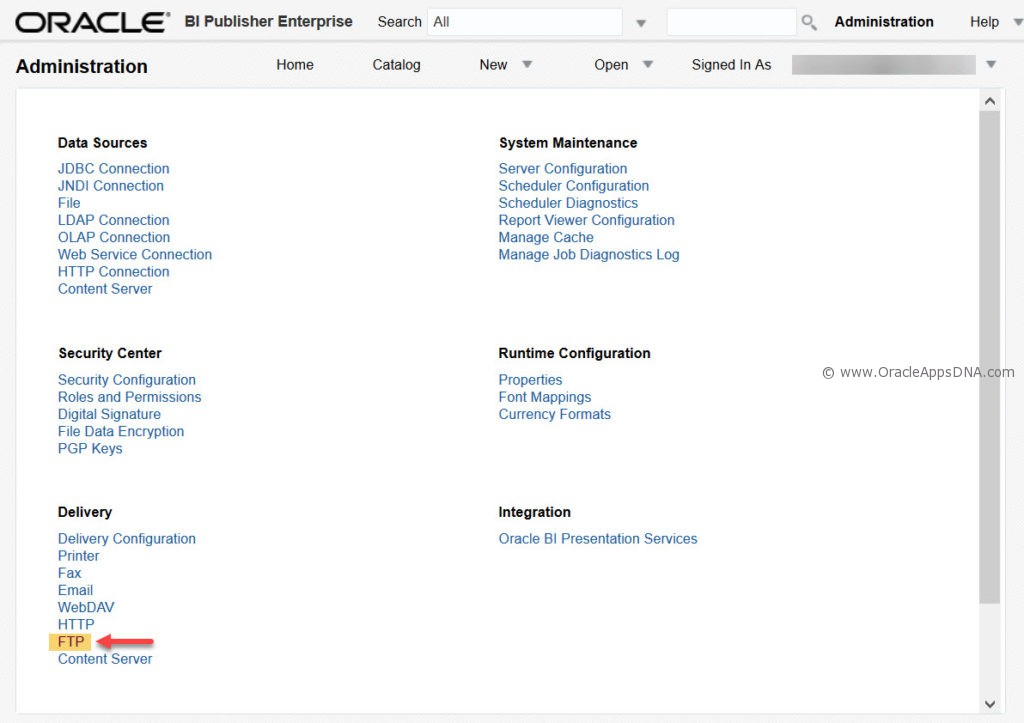
- In Administration page you can find ‘FTP‘ option under ‘Delivery‘
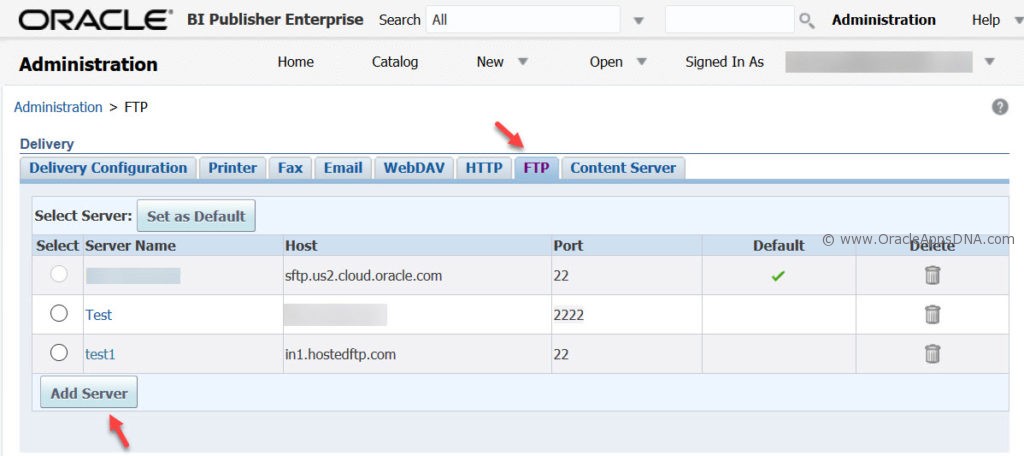
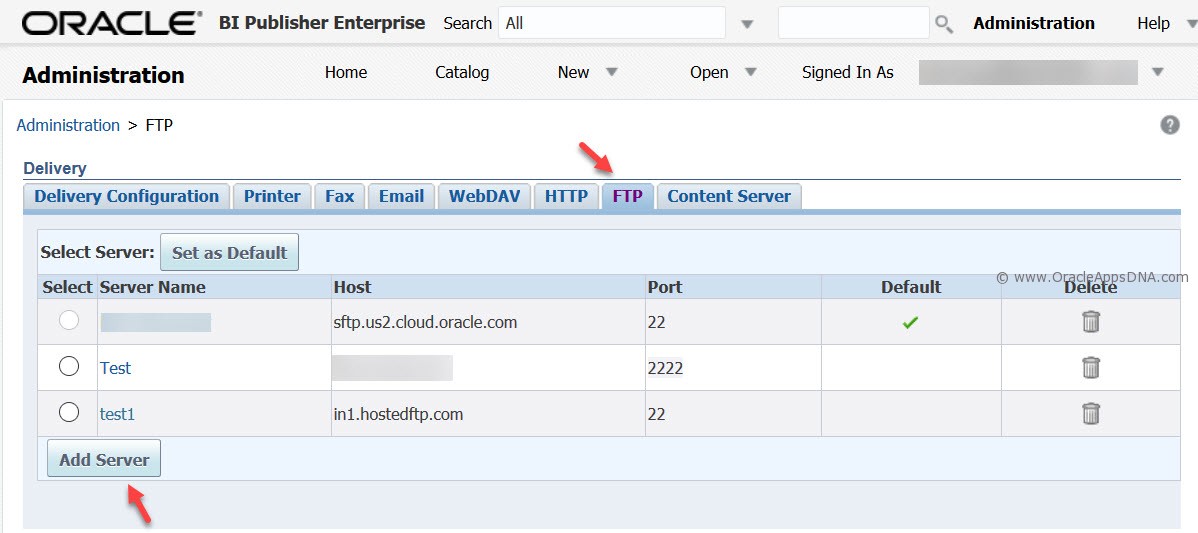
- In FTP configuration page, we can find existing FTP configurations and you can even create new FTP configuration